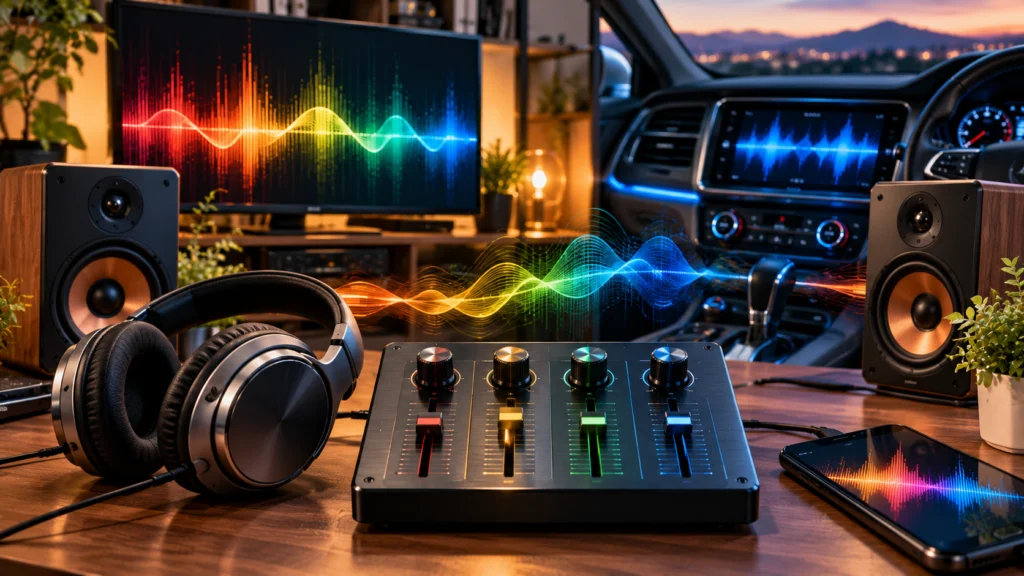
A quad equalizer commonly refers to a 4-band equalizer that shapes four broad areas of the audio frequency spectrum: low, low-mid, high-mid, and high frequencies. Each band changes a different part of the sound, making it easier to control bass and treble, clean up muddy vocals, or soften harsh details. A simple audio EQ like this can improve sound quality without giving you dozens of controls to manage. The word “quad” can have another meaning, though. On certain audio and electronic equipment, it refers to four independent channels rather than four frequency bands.
TL;DR — Quad Equalizer Quick Answer
TL;DR: A quad equalizer usually means a 4-band EQ controlling low, low-mid, high-mid, and high frequencies. Good quad equalizer settings can reduce boomy bass, clear up vocals, and balance sound quality. There’s no universal best setting—start flat, listen carefully, and make small adjustments.
What Is a Quad Equalizer?
A quad equalizer is commonly understood as a four-band EQ that gives you control over four sections of the audio frequency spectrum. Instead of changing the entire audio signal at once, you can boost or cut selected areas to change its tonal balance.
The four controls generally cover bass, lower mids, upper mids, and treble. So, if music sounds too heavy at the bottom, you can reduce the low band. If vocals seem buried, a change around the mid or high-mid area may bring back some clarity.
Four controls also keep audio tuning fairly simple. A 10-band or 31-band equalizer offers finer control, but it also requires more decisions.
Does “Quad” Always Mean Four EQ Bands?
Not always. In an audio EQ discussion, quad equalizer often describes a 4-band equalizer. On other equipment, “quad” may refer to four independent channels instead. The device, manual, and surrounding context usually make the intended meaning clear. Four-band audio equalization is the meaning used throughout the rest of this page.
How Does a Quad Equalizer Work?
A quad EQ divides the frequency spectrum into four broad regions. Each control can raise or lower the level of its assigned region. Raising it is called a boost; lowering it is a cut.
Some equalizers provide only gain control for each band. Others also let you change the center frequency or Q factor. Q, or bandwidth, affects how wide or narrow an area around the selected frequency is changed.
For everyday audio tuning, start with a flat EQ—all four bands at their neutral positions. Listen first. Then change the EQ curve only when you hear something that needs attention.
For example, boomy bass doesn’t automatically call for extra treble. A small cut to the low band may solve the problem more naturally. Big boosts can also eat into headroom and may make distortion easier to hear.
Understanding the Four Quad Equalizer Bands
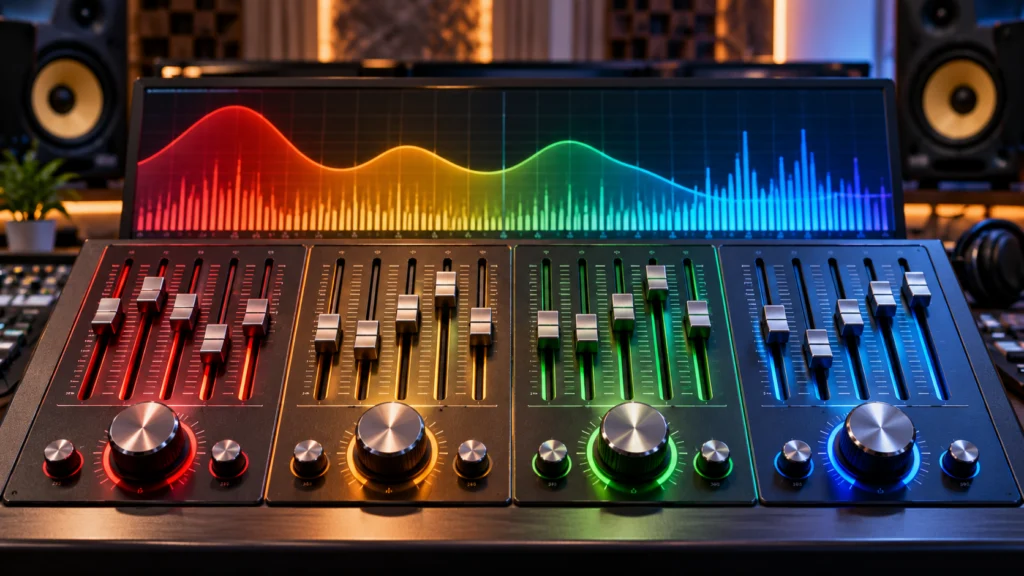
The names are simple, but each band affects a different character in your music, dialogue, or gaming audio. Exact frequency ranges aren’t identical across every 4-band EQ, so the labels and controls on your device matter.
Low — Bass and Weight
The low band deals mainly with bass, rumble, punch, and the sense of weight in audio. Too little can make music feel thin. Too much can create boomy bass that covers vocals and finer details.
Low-Mid — Warmth and Body
Low-mid frequencies add warmth and body to voices and instruments. They can make audio feel fuller… but excessive low-mids often produce the familiar muddy or boxy sound.
High-Mid — Presence and Clarity
The high-mid area plays a major role in presence, definition, and vocal clarity. A careful boost may make speech easier to hear. Too much can make vocals, guitars, and other sounds feel aggressive or harsh.
High — Treble and Brightness
High frequencies influence treble, brightness, fine detail, and the sense of “air” in a recording. A little extra can wake up dull audio. Too much may emphasize hiss, sharpness, or listening fatigue.
| EQ Band | Mainly Controls | Too Much May Sound | Possible Adjustment |
|---|---|---|---|
| Low | Bass, weight | Boomy | Small cut |
| Low-Mid | Warmth, body | Muddy | Small cut |
| High-Mid | Presence, clarity | Harsh | Careful adjustment |
| High | Treble, brightness | Sharp/hissy | Small cut |
How to Set a Quad Equalizer
Learning how to set a quad equalizer is mostly about listening for a problem before touching the controls. Random boosts usually make audio tuning harder, not better.
- Start flat. Put all four EQ bands at their neutral positions.
- Play familiar audio. Choose music, dialogue, or another recording you know well.
- Identify one problem. Is the bass boomy? Are the vocals muddy? Does the top end sound sharp?
- Choose the relevant band. Don’t move every control at once.
- Make a small adjustment. Try a gentle cut or boost, then listen again.
- Compare it with flat EQ. Switching between the two can reveal whether the change really sounds better.
- Stop when it sounds balanced. Bigger adjustments aren’t automatically better.
Your listening preference still matters. And the same EQ settings may sound quite different through another pair of headphones, speakers, or in another room.
Best Quad Equalizer Settings for Different Uses
There isn’t one best quad equalizer setting for every system. 4-band EQ settings for music, for example, depend on the recording and playback equipment. Gaming audio has different priorities, while a car cabin can create bass problems that aren’t present with headphones.
| Use Case | What to Listen For | Starting Approach |
|---|---|---|
| Music | Balance across the recording | Start flat; adjust by recording |
| Vocals/Podcasts | Speech clarity | Control mud; improve presence |
| Gaming | Detail and clear audio cues | Keep bass from masking detail |
| Headphones | Bass or brightness imbalance | Correct what sounds excessive |
| Home Speakers | Room and speaker response | Make small adjustments |
| Car Audio | Boominess and vocal clarity | Control excessive lows |
For music, resist the urge to create an exaggerated “smile” EQ curve simply because it looks familiar. For podcasts and vocals, clarity may matter more than deep bass. With gaming, excessive lows can mask smaller details.
An EQ for headphones should also account for how the headphones already sound. Bass-heavy headphones may need less low-end energy, while a bright pair might benefit from a gentle high-frequency cut.
Common Sound Problems a Quad EQ Can Fix
A 4-band EQ is especially handy when you can describe what sounds wrong. Instead of moving controls randomly, connect the problem to the most likely frequency region.
| Problem | Band to Check | What to Try |
|---|---|---|
| Boomy bass | Low | Reduce slightly |
| Muddy music | Low-Mid | Small cut |
| Vocals lack clarity | High-Mid | Gentle adjustment |
| Harsh vocals/instruments | High-Mid | Reduce slightly |
| Dull sound | High | Gentle boost |
| Hissy/sharp sound | High | Reduce slightly |
These are starting points, not fixed rules. A muddy recording may involve more than one frequency region, and speaker placement or room acoustics can also affect what you hear. Still, this problem-first approach makes EQ settings for better bass or clearer vocals much easier to manage.
Quad Equalizer vs Other Types of EQ
A four-band EQ trades fine control for simplicity. More bands give you more places to make changes, while a parametric EQ may also offer control over frequency and Q.
| EQ Type | Level of Control | Common Use |
|---|---|---|
| 4-Band / Quad EQ | Simple | Everyday audio tuning |
| 10-Band EQ | Moderate | More detailed adjustment |
| 31-Band Graphic EQ | Detailed | System/live sound tuning |
| Parametric EQ | Highly flexible | Recording, mixing, professional audio |
In a 4-band equalizer vs 10-band equalizer comparison, the 10-band model provides finer frequency control. A 31-band graphic equalizer goes further. A parametric EQ can be even more precise because adjustable frequency, gain, and Q controls let you target specific areas.
But for casual listening, four bands can be refreshingly straightforward.
How Much Does a Quad Equalizer Cost?
The quad equalizer price depends heavily on what you’re actually buying. Many phones, computers, receivers, music apps, and audio devices already include EQ controls, while dedicated hardware can cost considerably more.
| Type | Typical Cost Level | Best Suited For |
|---|---|---|
| Built-in EQ | Usually included | Phones, PCs, audio devices |
| EQ App/Software | Free to paid | Everyday listening |
| Consumer Hardware | Budget to mid-range | Home/car audio |
| Professional Hardware | Mid-range to premium | Studio/live audio |
| Vintage Quad Equipment | Highly variable | Collectors/specialized setups |
U.S. prices in USD ($) can vary by brand, features, condition, and retailer. Vintage quad equipment can be particularly unpredictable. For that reason, a single dollar figure isn’t a reliable representation of 4-band equalizer prices across every product category.
Common Quad Equalizer Mistakes to Avoid
A common mistake is boosting every band because louder initially sounds more impressive. It can reduce available headroom and may introduce distortion.
Extreme EQ changes can cause similar trouble. Start small.
And don’t blindly copy someone else’s quad equalizer settings. Their headphones, speakers, room, car, music, and listening preference may be completely different from yours. Changing several bands at once also makes it difficult to tell which adjustment worked.
Another easy mistake? Never comparing your modified EQ curve with flat EQ. Switch back occasionally. You may discover that the original sound was already closer to balanced than you thought.
Quad Equalizer FAQs
Is a quad equalizer the same as a 4-band EQ?
In common audio usage, a quad equalizer can refer to a 4-band EQ with controls for four broad frequency regions. The terminology isn’t universal, though. “Quad” may describe four independent channels on certain equipment, so check the product’s controls or documentation when the meaning isn’t clear.
What are the four bands on a quad equalizer?
They are generally low, low-mid, high-mid, and high. These broadly correspond to bass and weight, warmth and body, presence and clarity, and treble or brightness. Exact frequency boundaries can differ from one equalizer to another.
What are the best quad equalizer settings?
There are no universal best quad equalizer settings. Begin with flat EQ, identify what sounds wrong, and make a small adjustment to the related band. Your headphones, speakers, room, recording, and personal taste all affect the result.
Can a quad equalizer improve bass?
Yes. A quad EQ can change the amount and character of bass by adjusting the low band. Improving bass doesn’t always require boosting it, though. Cutting excessive low or low-mid energy can sometimes make bass sound tighter and clearer.
Is a 4-band equalizer good for headphones?
Yes, particularly for simple corrections. A 4-band equalizer can reduce excessive bass, soften overly bright highs, or change vocal presence without the complexity of a larger EQ. Start with small changes based on how your headphones already sound.
Is a quad equalizer useful for car audio?
It can be. Car interiors often affect bass response and vocal clarity because speakers interact with the cabin. A quad EQ gives you a simple way to reduce excessive lows, clean up muddiness, or adjust presence without managing many individual frequency sliders.
Conclusion
A quad equalizer gives you a simple way to shape sound through low, low-mid, high-mid, and high-frequency controls. Start with a flat setting, identify what actually sounds wrong, and make small changes rather than dramatic boosts. Headphones, speakers, car interiors, rooms, and recordings all behave differently, so balanced sound comes from listening and adjusting—not copying a fixed preset.
Leave a Reply